Template Literals in JavaScript
I am a developer learning web development , I am a college dropout pursuing my passion in software field
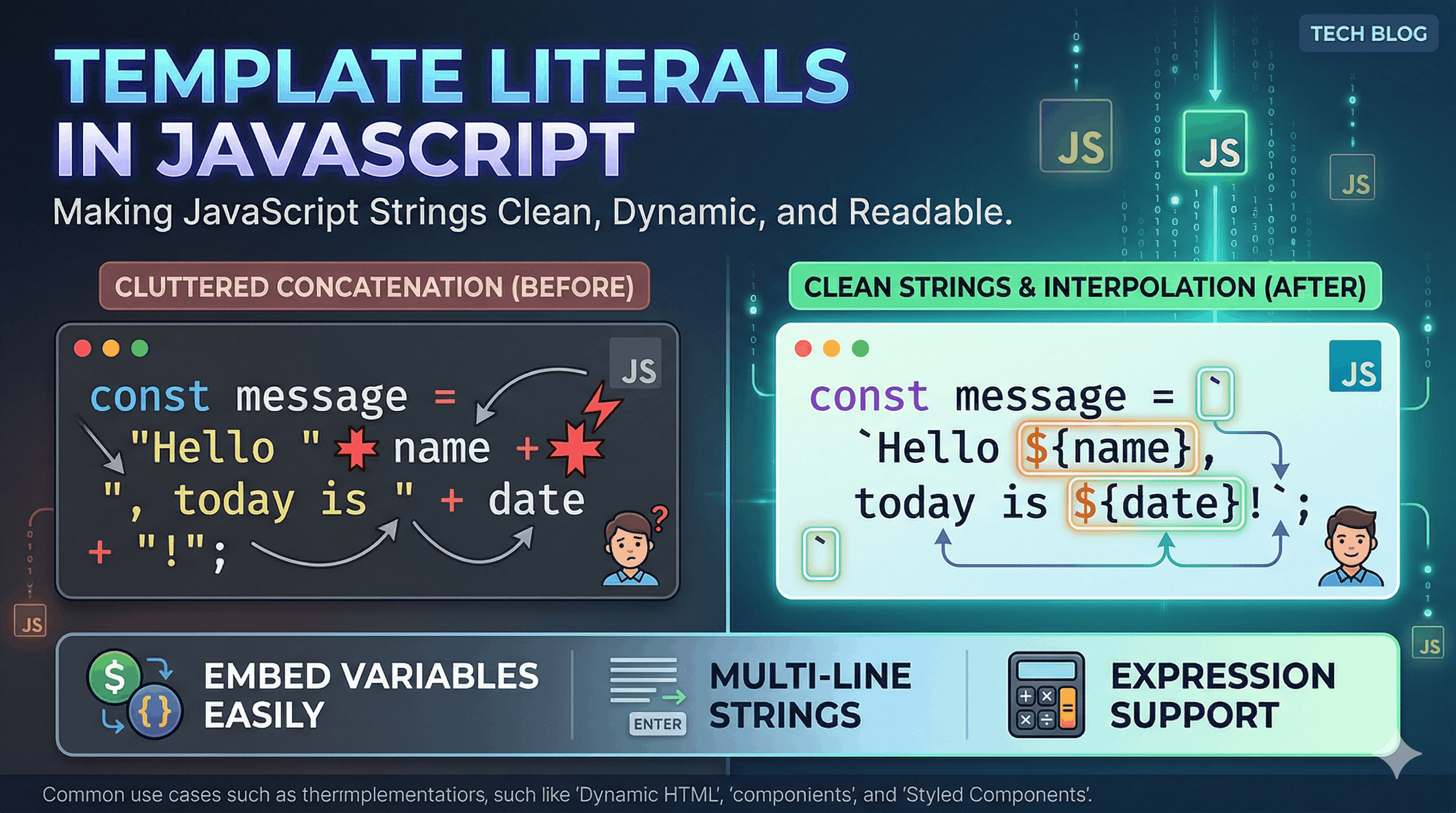
Whether you are a seasoned developer or just starting your coding journey, you’ve likely encountered the "Plus Sign Paradox"—that frustrating moment where a simple string becomes an unreadable mess of quotes and plus signs.
Template literals, introduced in ES6, changed the game by making string manipulation cleaner, more intuitive, and frankly, much more pleasant to look at. Let's dive into why they are a staple of modern JavaScript.
1. The Struggle: Life Before Template Literals
Before ES6, we relied on string concatenation. If you wanted to combine variables with text, you had to carefully open and close single or double quotes and chain everything together with the + operator.
The Problems:
- Quote Confusion: Switching between ' and " leads to syntax errors.
- The "Missing Space" Bug: It was incredibly easy to forget a space between a variable and a word.
- Readability: As strings grew longer, they became a "wall of noise" that was hard to maintain.
// Traditional Concatenation
var name = "Alice";
var age = 25;
var greeting = "Hello, my name is " + name + " and I am " + age + " years old.";
2. The Solution: Template Literal Syntax
Template literals use backticks () instead of the traditional single or double quotes. This simple shift unlocks a world of flexibility.
Key Features:
- String Interpolation: You can embed variables directly into the string using the ${expression} syntax.
- Expression Support: You aren't limited to variables; you can run math or logic inside the curly braces.
// Template Literal
const name = "Alice";
const age = 25;
const greeting = `Hello, my name is \({name} and I am \){age} years old.`;
3. Handling Multi-line Strings
One of the most annoying aspects of traditional strings was handling new lines. You either had to use the \n escape character or concatenate multiple lines together.
With template literals, what you see is what you get. If you hit "Enter" in your code, it translates directly to a new line in the string.
Old Way:
const bio = "This is line one.\n" +
            "This is line two.\n" +
            "This is line three.";
Modern Way:
const bio = `This is line one.
This is line two.
This is line three.`;
4. Comparison: Old vs. New
Let's see how they stack up when things get a bit more complex.
Feature | Traditional String | Template Literal |
Delimiters |
|
|
Variables | Requires |
|
Multi-line | Needs | Just press Enter |
Readability | Poor (cluttered) | Excellent (clean) |
5. Use Cases in Modern JavaScript
Template literals aren't just for "Hello World." They are used extensively in modern development for:
Dynamic HTML Templates: Generating blocks of HTML without needing a heavy template engine.
Logging & Debugging: Creating descriptive console.log messages that include object properties.
SQL Queries: Formatting queries (though you should always use parameterized queries to prevent injection!).
Styled Components: In libraries like React, template literals are used to write CSS directly inside JavaScript files.
Pro Tip: You can even put function calls inside the \({}. For example: The total is \){calculateTotal(price)}.


