JavaScript Modules: Import and Export Explained
I am a developer learning web development , I am a college dropout pursuing my passion in software field
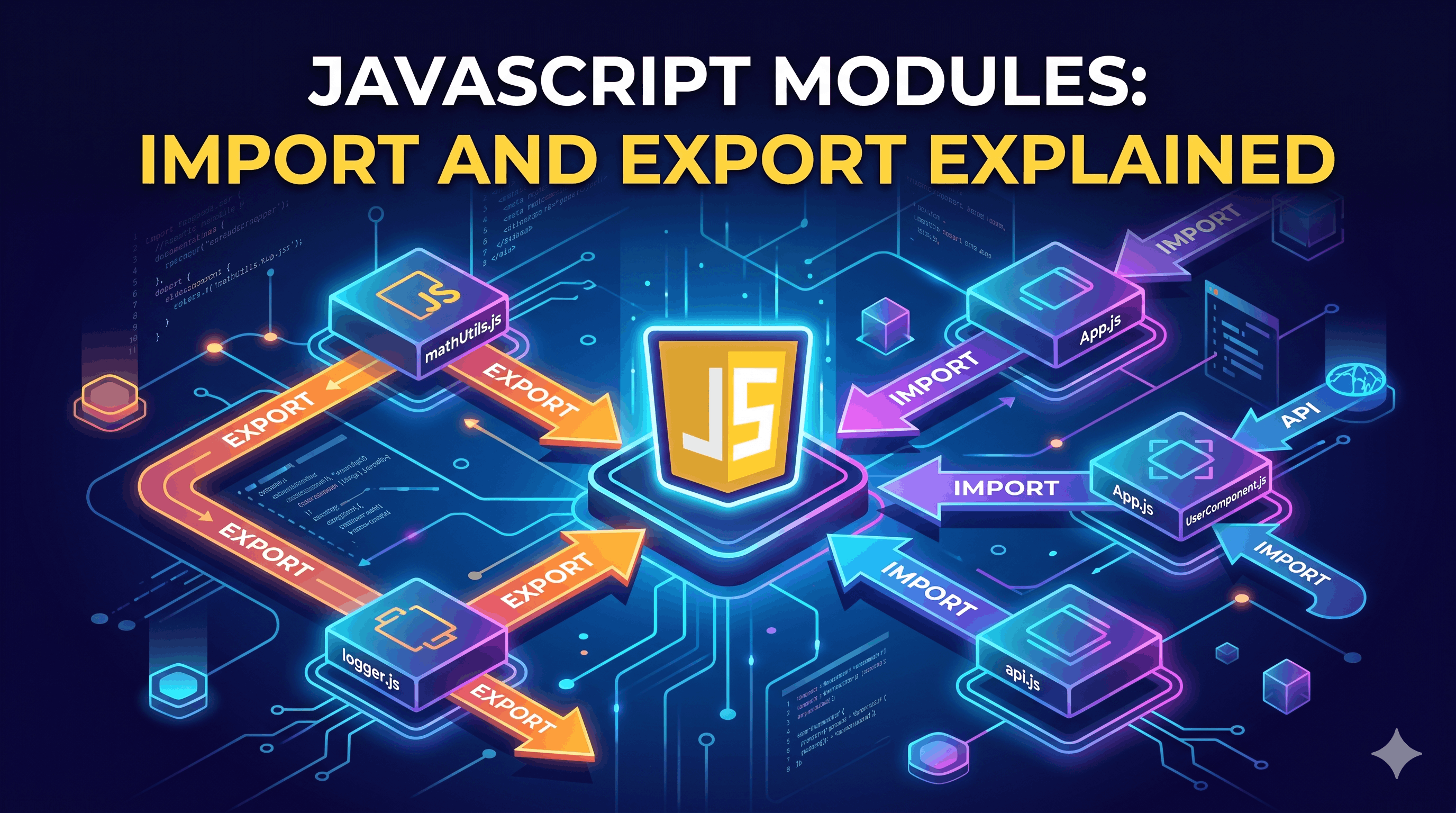
In the early days of web development, JavaScript files were like a giant bowl of spaghetti. Everything was thrown into one place, and variables lived in a global space where they could easily overwrite each other. As applications grew, this became a nightmare to maintain.
Enter JavaScript Modules (ESM)—the modern way to organize, share, and protect your code.
The Chaos Before Modules: Why We Need Them
Before ES6 (2015), JavaScript relied on multiple <script> tags in HTML. This led to several critical issues:
Global Scope Pollution: Every variable declared in one file was accessible (and changeable) by any other file.
Dependency Issues: You had to make sure scripts were loaded in the exact right order. If
script-b.jsused a function fromscript-a.js, thenahad to load first.Lack of Encapsulation: It was impossible to keep "private" logic hidden within a file.
Modules solved this by giving every file its own private scope. Nothing is shared unless you explicitly export it.
Exporting: Sharing Your Code
To make a function, object, or variable available to other files, you use the export keyword. There are two primary ways to do this: Named Exports and Default Exports.
1. Named Exports
Named exports allow you to export multiple values from a single file. You must use the exact name when importing them.
// mathUtils.js
export const add = (a, b) => a + b;
export const subtract = (a, b) => a - b;

export const PI = 3.14;
2. Default Exports
A file can have only one default export. This is often used for the main functionality of a module (like a React component or a main Class).
// Logger.js
export default function log(message) {
  console.log(`[LOG]: ${message}`);
}
Importing: Bringing It All Together
Once you've exported something, you use the import keyword to bring it into another file.
Importing Named Exports
When importing named exports, you must use curly braces {} and the specific names.
import { add, PI } from './mathUtils.js';

console.log(add(5, PI)); // 8.14
Importing Default Exports
When importing a default export, you don't use curly braces, and you can name it whatever you want.
import customLogger from './Logger.js';

customLogger("Modules are working!");
Named vs. Default Exports: At a Glance
Feature | Named Export | Default Export |
Quantity | Multiple per file | Only one per file |
Syntax (Export) |
|
|
Syntax (Import) |
|
|
Best For | Utility libraries, multiple helpers | Main components, classes |
The Benefits of Modular Code
Moving to a modular structure isn't just about following trends; it fundamentally changes how you build software:


