Destructuring in JavaScript: Write Cleaner, Smarter Code
I am a developer learning web development , I am a college dropout pursuing my passion in software field
If your JavaScript code feels repetitive, verbose, or hard to read, destructuring is one of those features that can instantly upgrade your code quality. It’s not just syntactic sugar — it directly improves clarity and reduces boilerplate.
Let’s break it down properly.
What Destructuring Means
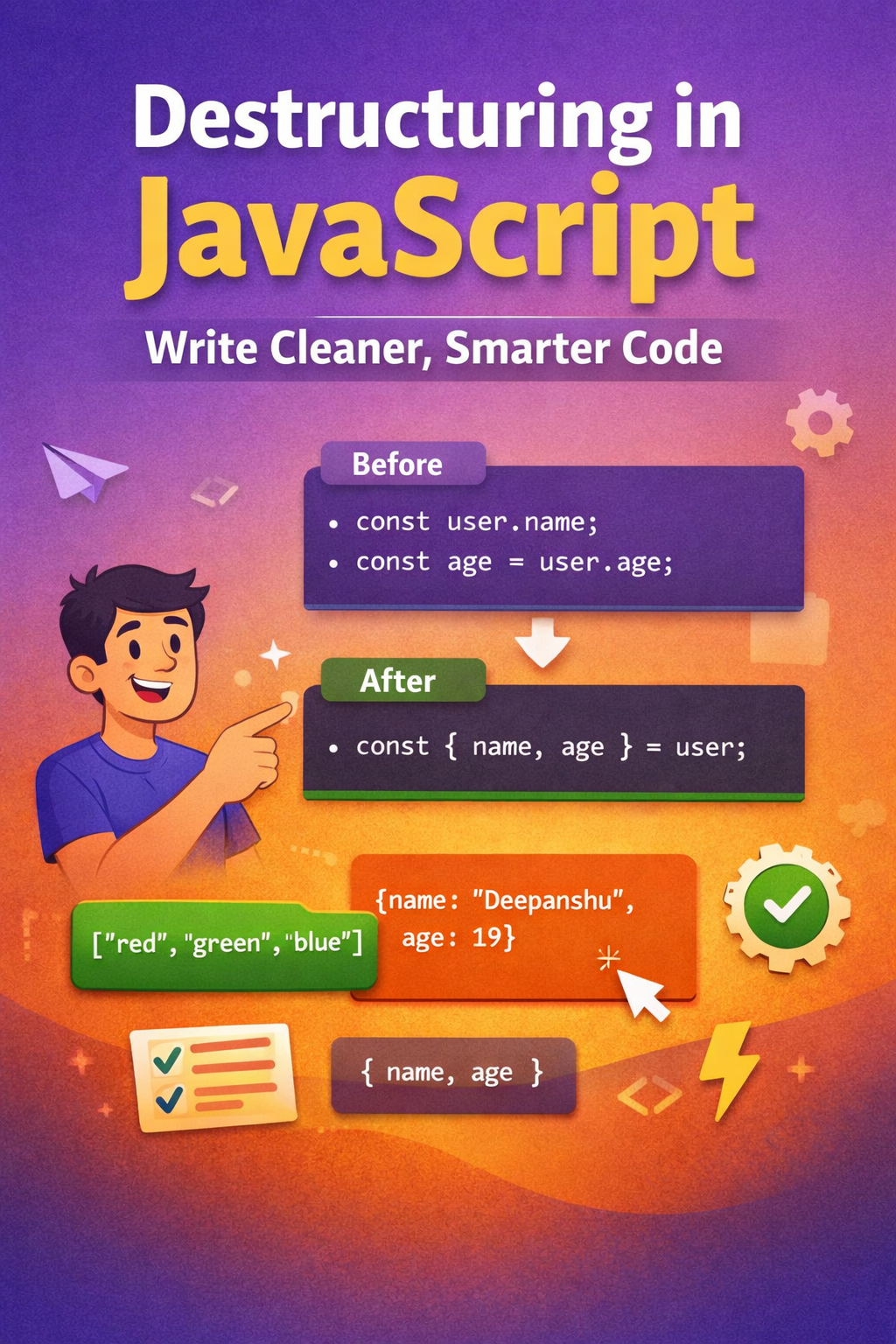
Destructuring is a JavaScript feature that allows you to extract values from arrays or properties from objects and assign them to variables in a clean, readable way.
Instead of manually accessing values one by one, you “unpack” them in a single line.
Without Destructuring
const user = {
  name: "Deepanshu",
  age: 19
};

const name = user.name;
const age = user.age;
With Destructuring
const { name, age } = user;
Same result. Less code. More readable.
Destructuring Arrays
Array destructuring is based on position (index).
Example
const colors = ["red", "green", "blue"];

const [first, second, third] = colors;

console.log(first); // red
console.log(second); // green
console.log(third); // blue
Skipping Values
const [first, , third] = colors;

console.log(first); // red
console.log(third); // blue
Before vs After
Before
const first = colors[0];
const second = colors[1];
After
const [first, second] = colors;
Cleaner and harder to mess up indexing.
Destructuring Objects
Object destructuring is based on property names, not position.
Example
const user = {
  name: "Deepanshu",
  age: 19,
  country: "India"
};

const { name, age } = user;

console.log(name); // Deepanshu
console.log(age); // 19
Renaming Variables
const { name: userName } = user;

console.log(userName); // Deepanshu
Before vs After
Before
const name = user.name;
const age = user.age;
After
const { name, age } = user;
This becomes extremely useful when dealing with API responses or large objects.
Default Values
If a value doesn’t exist, destructuring lets you assign a fallback.
Example
const user = {
  name: "Deepanshu"
};

const { name, age = 18 } = user;

console.log(age); // 18
Without default values, age would be undefined.
Benefits of Destructuring
1. Reduces Repetitive Code
You avoid repeatedly writing object.property.
// Without
const name = user.name;
const email = user.email;
const role = user.role;

// With
const { name, email, role } = user;
2. Improves Readability
You immediately see what data is being used.
3. Cleaner Function Parameters
// Without
function greet(user) {
  return `Hello ${user.name}`;
}

// With
function greet({ name }) {
  return `Hello ${name}`;
}
4. Safer Code Structure
Destructuring forces you to think about what you actually need instead of passing around entire objects blindly.
Where Beginners Mess Up (Be Honest About This)
Mixing up array vs object destructuring
Forgetting
{}vs[]Expecting order to matter in objects (it doesn’t)
Overusing destructuring in deeply nested objects → hurts readability
Bad example:
const { a: { b: { c } } } = obj;
That’s not clean — that’s confusing.
When You Should Use It (And When You Shouldn’t)
Use destructuring when:
You need multiple values from an object
You want cleaner function parameters
You’re working with APIs or configs
Avoid it when:
The structure is too deeply nested
It reduces clarity instead of improving it
Final Take
Destructuring is simple but powerful. If you’re not using it regularly, your code is probably more verbose than it needs to be.
But don’t blindly use it everywhere — the goal is clarity, not cleverness.
If your destructuring makes someone pause and think, you’ve already lost.


